
Administrator adds account
After the administrator adds the account in the background, you will receive an activation email. Please log in to your email to check and click the activation link to enter the activation page, set a password, and click the [Activate] button to complete the activation operation. 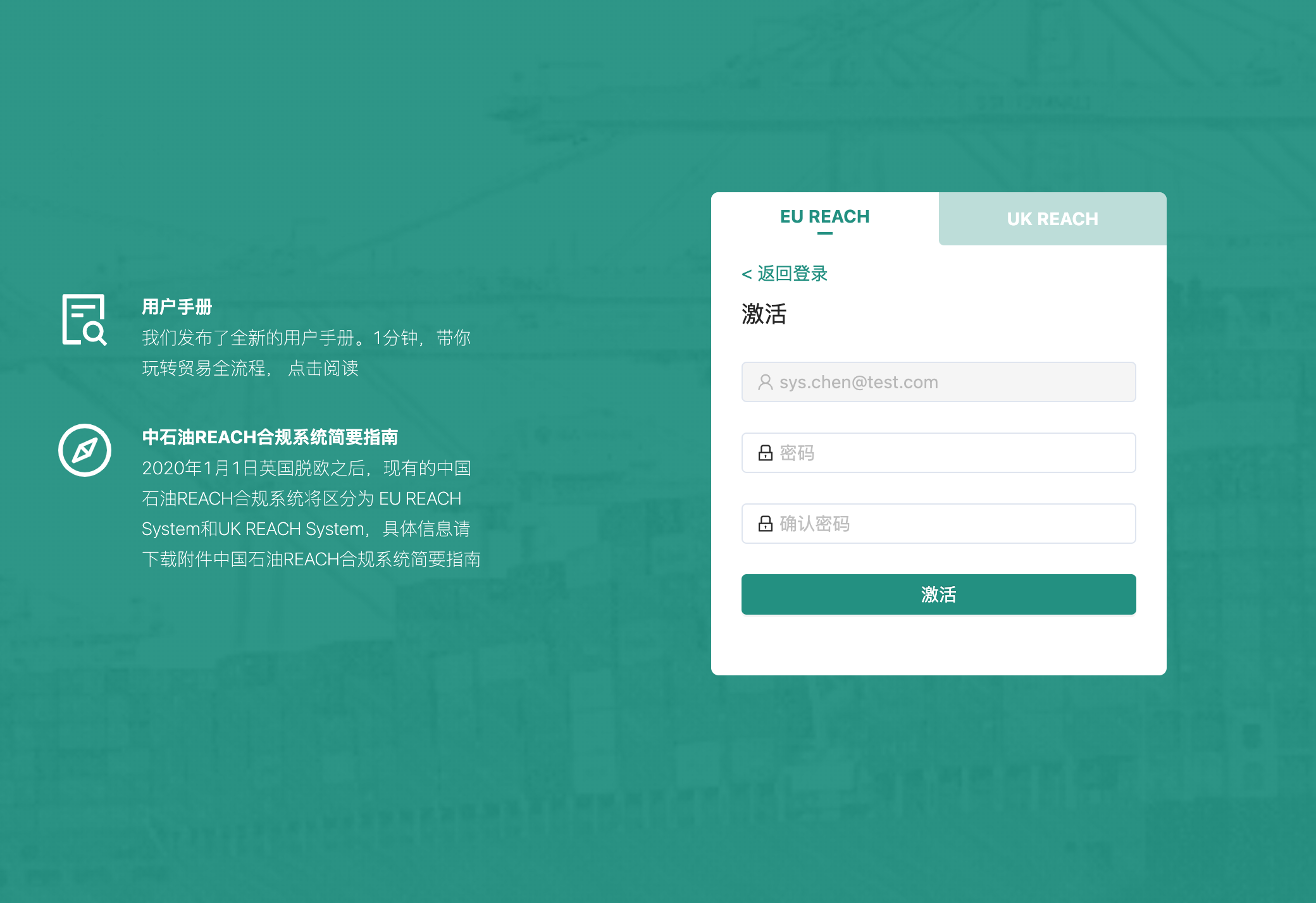
Administrator invites registration
The administrator will send an invitation email to your mailbox. Please log in to your mailbox and click the invitation link to open the registration page, then fill in the registration information and click the [Register] button to complete the registration operation. 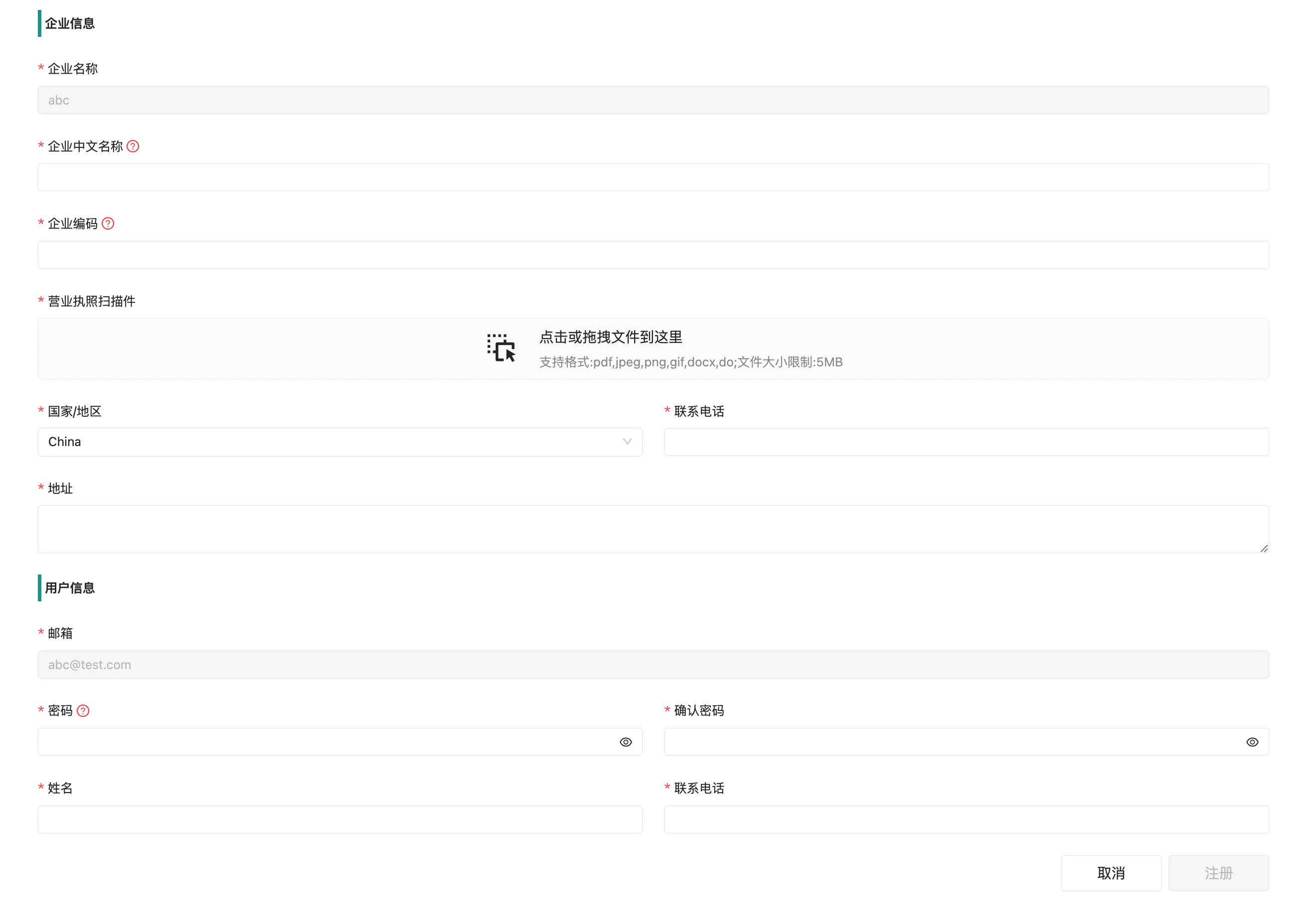
TIP
Click the red question mark behind the field to view instructions for filling in the field.